
Start with what cannot move
Add fixed commitments first: classes, shifts, appointments, school pickup and regular meetings. These blocks reveal the actual shape of your week. Include travel, setup and recovery time when a commitment happens away from home.
Do not add flexible tasks yet. At this stage you are measuring capacity, not trying to prove how productive you can be.
Place only commitments with a specific start and end time. Keep the rest of your task list beside the calendar for now.
Choose three weekly outcomes
Identify the three results that would make the week feel successful. A result might be submitting a proposal, preparing for an exam, or completing three exercise sessions. Describe an outcome you can recognize, not a vague intention such as “work on project.”
Match demanding work to your energy
Think about when you normally read carefully, make decisions or solve hard problems. Protect those hours for high-concentration work. Use lower-energy periods for email, errands, filing and routine preparation.
This matters more than creating a perfectly even calendar. A two-hour block at the right time can be more useful than three scattered hours when you are already depleted.

Estimate blocks using evidence
Use the time a task normally takes, then include setup and a small buffer. If writing a report has taken two focused sessions in the past, do not squeeze it into one optimistic hour. Break large work into blocks with a clear purpose: outline, draft, revise and submit.
Leave 15 to 20 percent open
An entirely full calendar has no place for a late bus, an urgent call or an unexpectedly difficult assignment. Leave several usable openings across the week instead of one large empty period at the end. These buffers keep a small disruption from destroying the rest of the plan.
Check the whole week for friction
- Are any events technically separate but impossible because of travel?
- Does one day contain every demanding task?
- Are meals and breaks repeatedly squeezed out?
- Is there time to prepare before important commitments?
- Does the schedule still work if one task runs 30 minutes late?
Review the schedule once a week
At the end of the week, compare the plan with what actually happened. Do not treat every difference as failure. Look for patterns: tasks that were consistently underestimated, meetings that needed preparation, and times when concentration was better or worse than expected. Adjust the next week using that evidence.
A realistic weekly schedule example
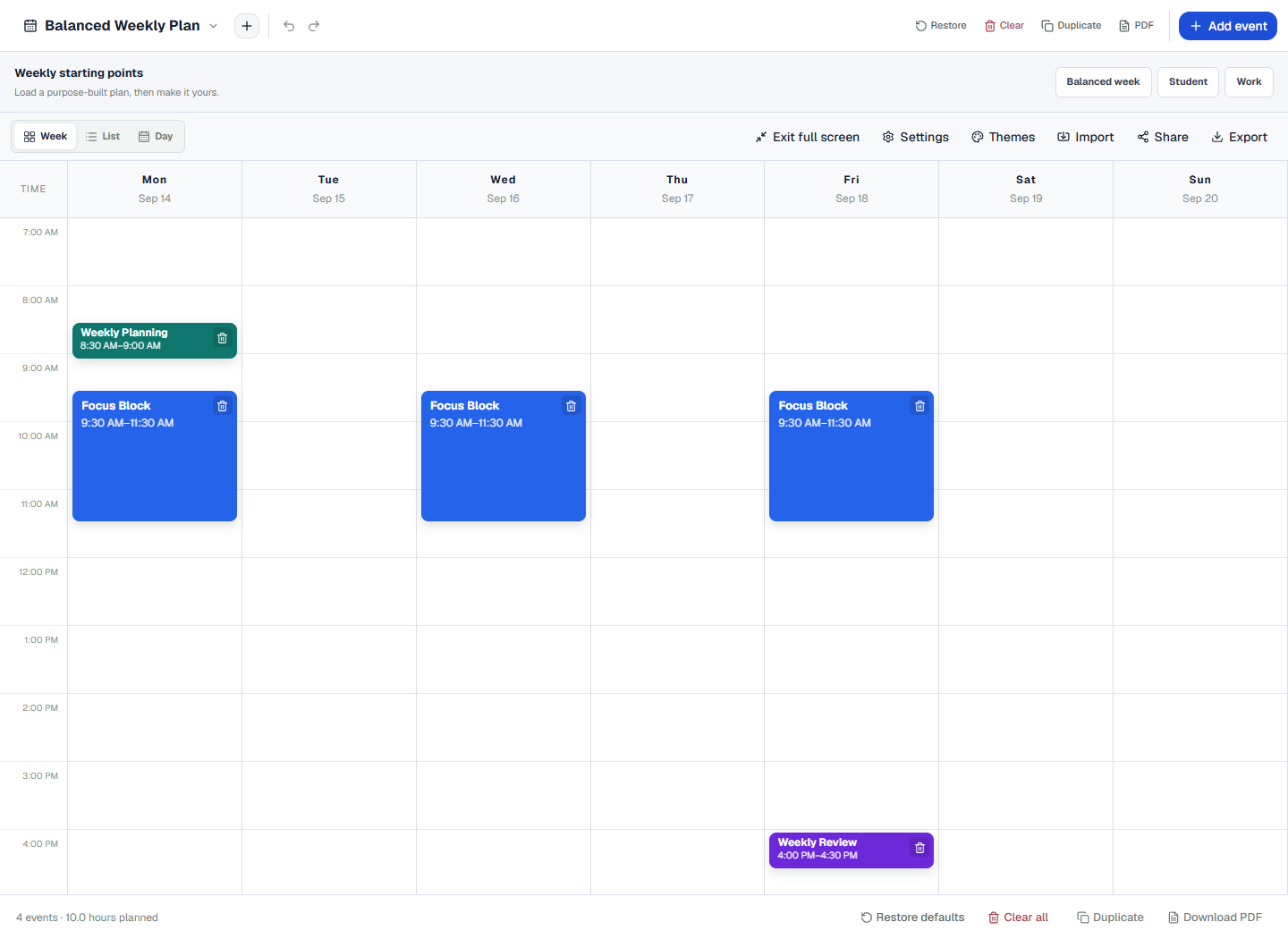
A student with morning classes could add two afternoon study blocks near the relevant lectures, reserve three nonconsecutive exercise periods and keep two evenings open. A remote worker could protect the first 90 minutes of three mornings for focused work, move meetings after lunch and leave Friday afternoon partly unscheduled for unfinished work.